Apply for your ETA here
It is easy to apply for an ETA on the official UK government website or app.
Apply on Official UK Website


Have your passport and a credit card ready before you start.
Apply on your mobile phone
The absolute easiest way to apply for an ETA is on your smartphone.
You can download the official UK government ETA app directly from Google Play or the Apple App Store.
Once you open the app, there are simple, step-by-step instructions to follow.
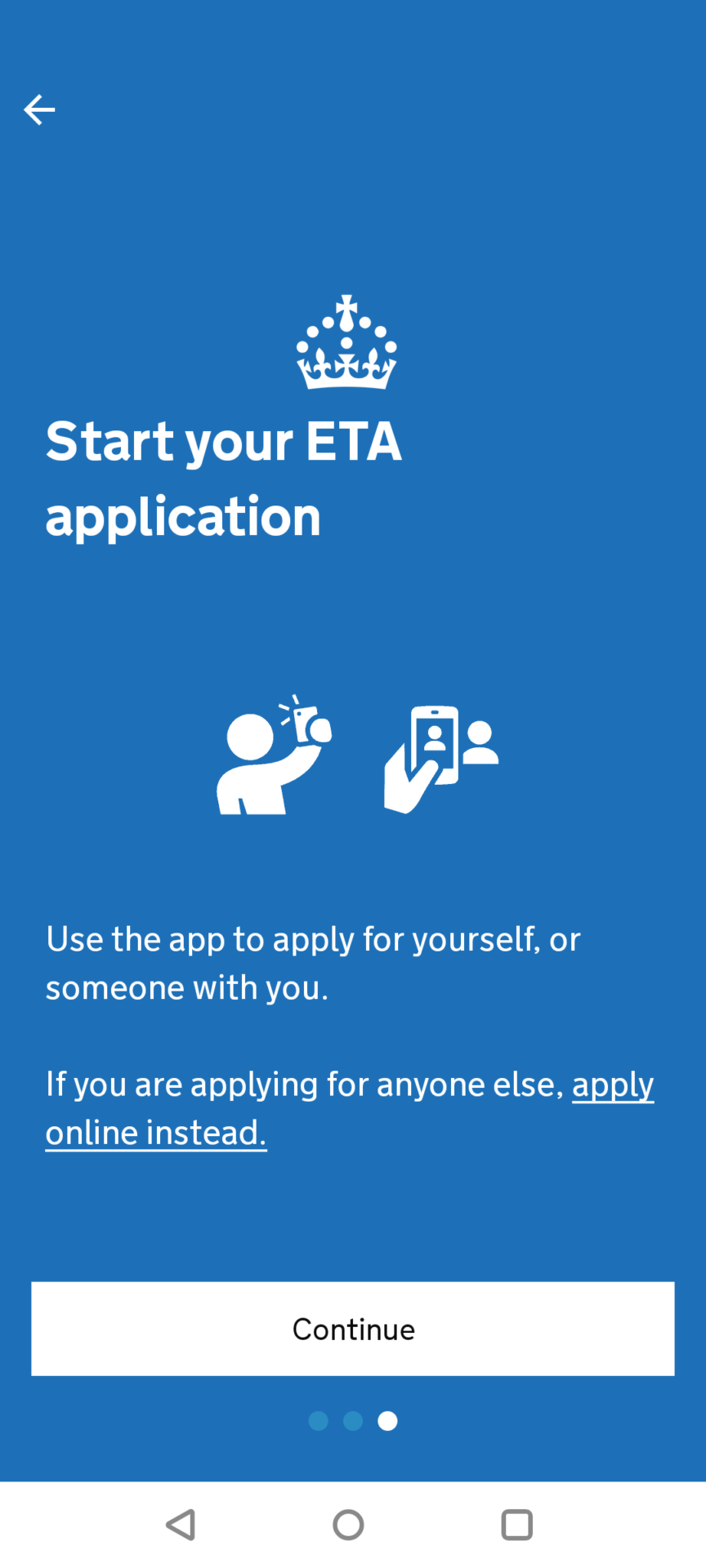
If you prefer, you can also apply on your computer using the UK government link above.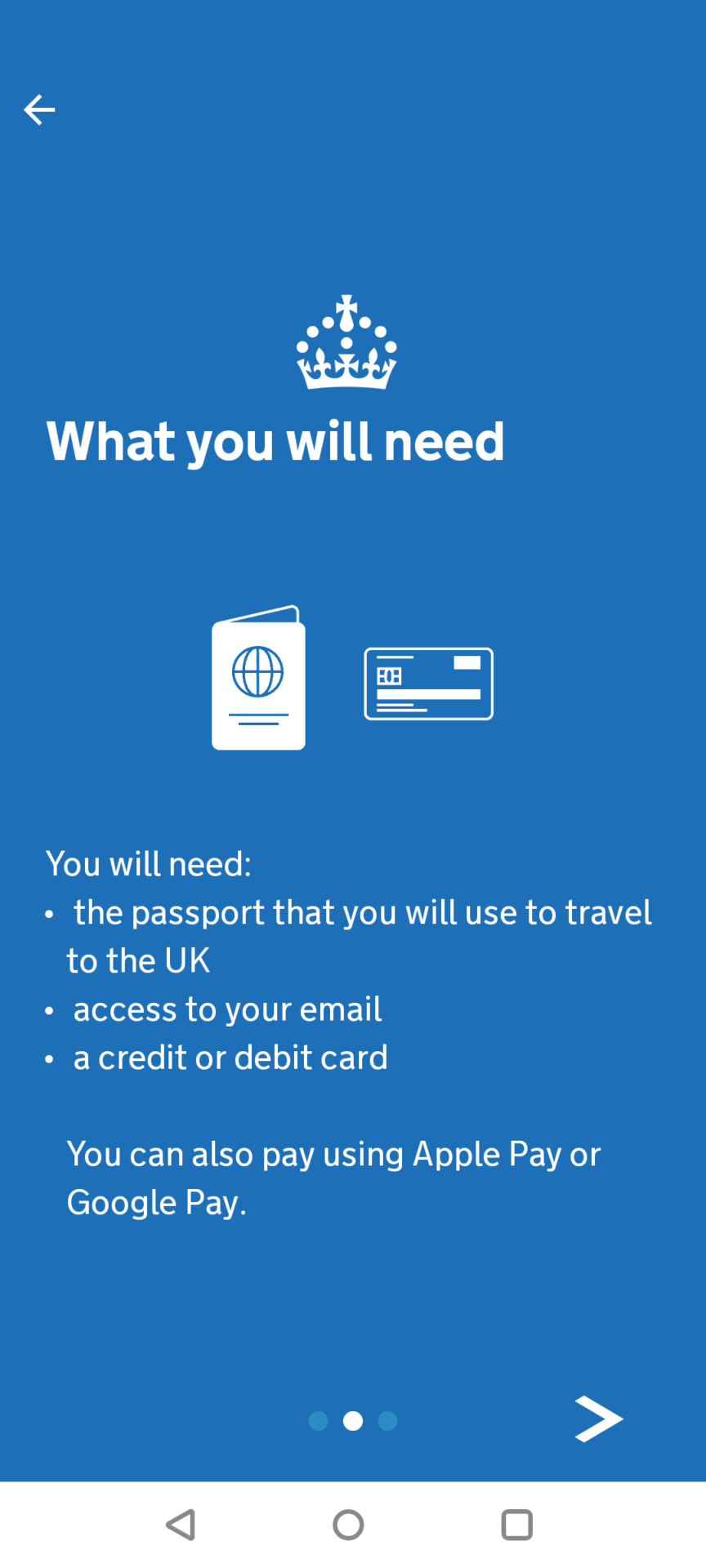
Take a quick photo of yourself
As part of the security process, you will be asked to take a passport-style photo of yourself using your phone camera.
Make sure you are in a place with good lighting and a plain, light background (like a white wall). Ensure there are no objects or other people behind you.
Note: For children under 10 years old, you do not need to take a photo for their ETA application.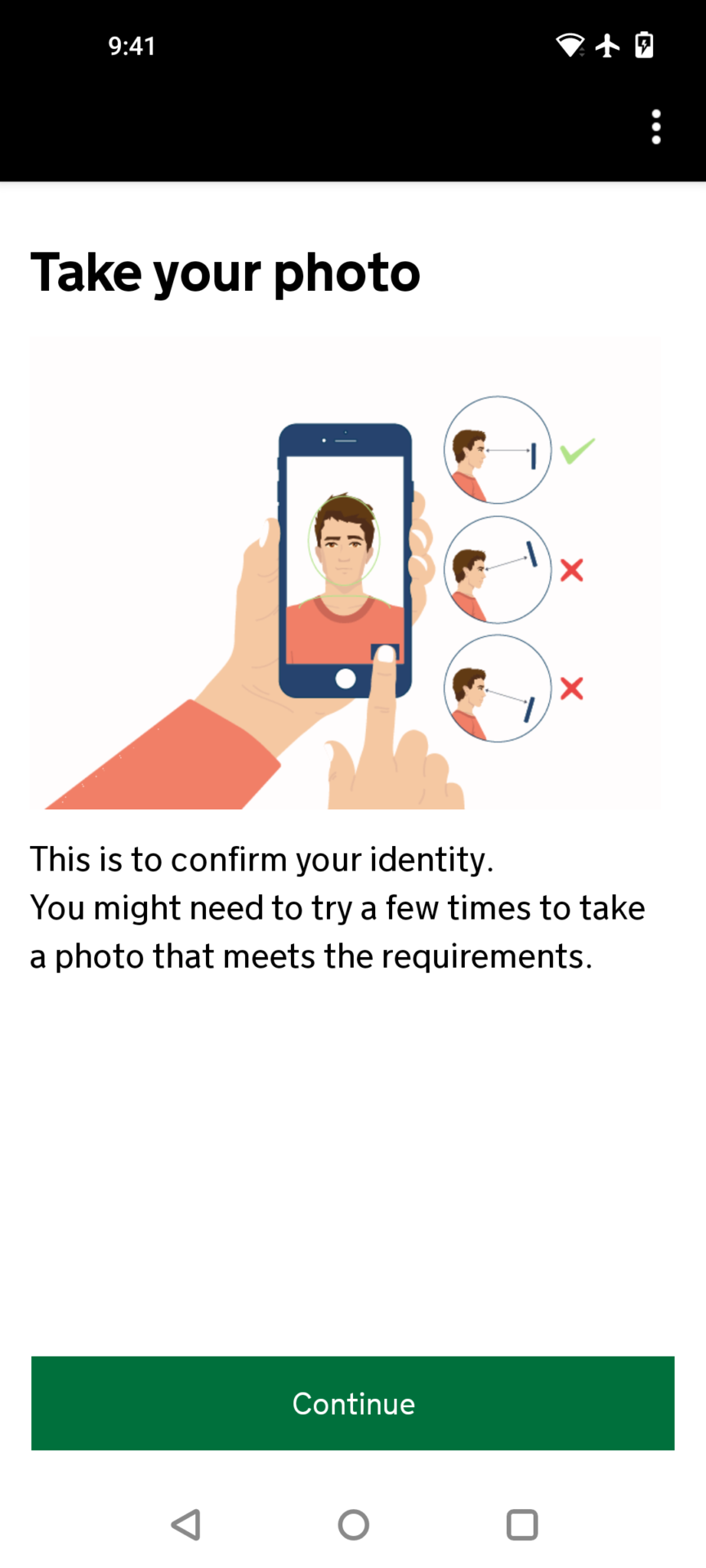
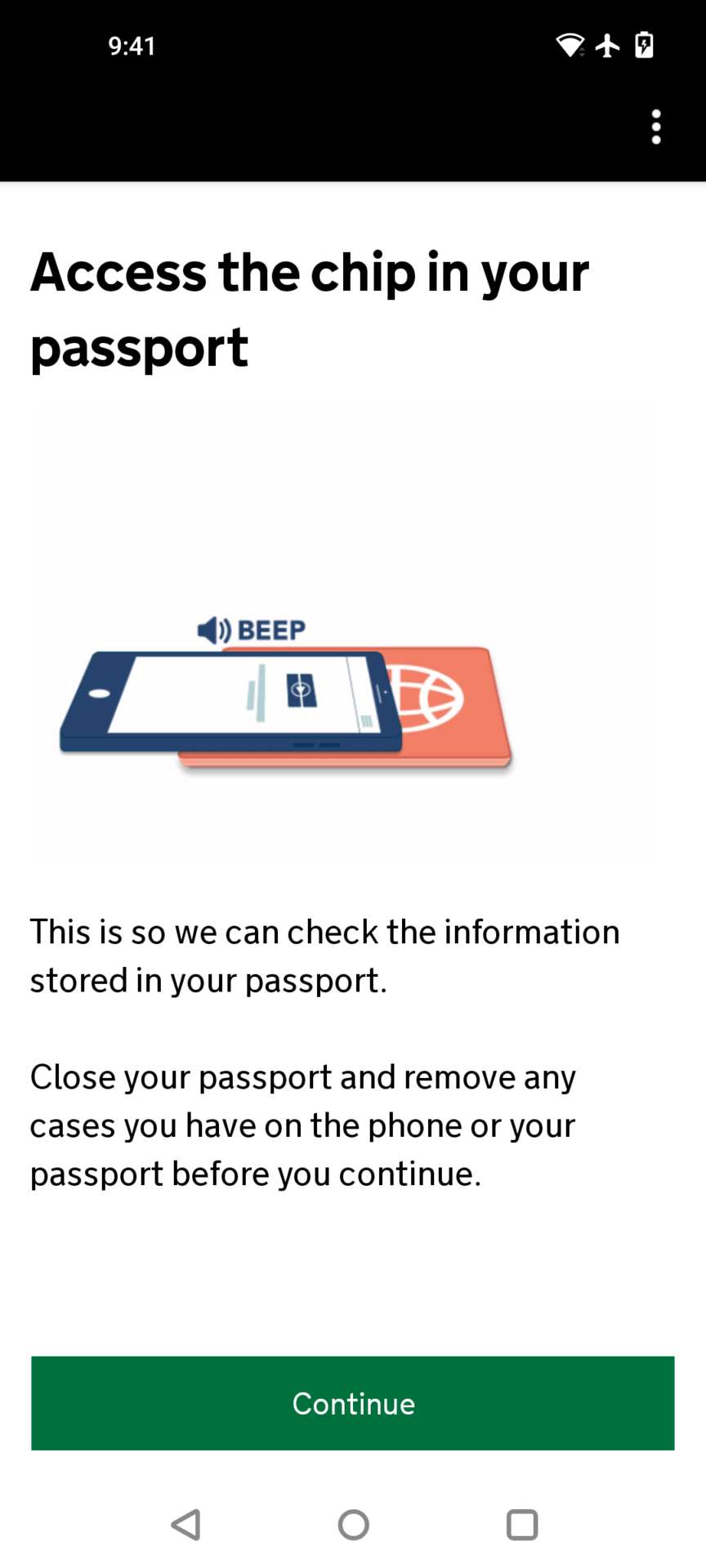
Scan your passport chip
When you apply using your mobile phone, the app will ask you to place your phone on top of your passport to scan the internal chip.
This securely verifies the information stored inside your passport in seconds.
Once your ETA is approved
You will receive an email confirmation and the document will be securely, electronically attached to your passport.
During that time, you can visit the UK as many times as you like.
In theory, you do not need to print anything. However, we highly recommend you print your confirmation email with your reference number to carry with you when you travel.